How to add a furniture configurator to your website
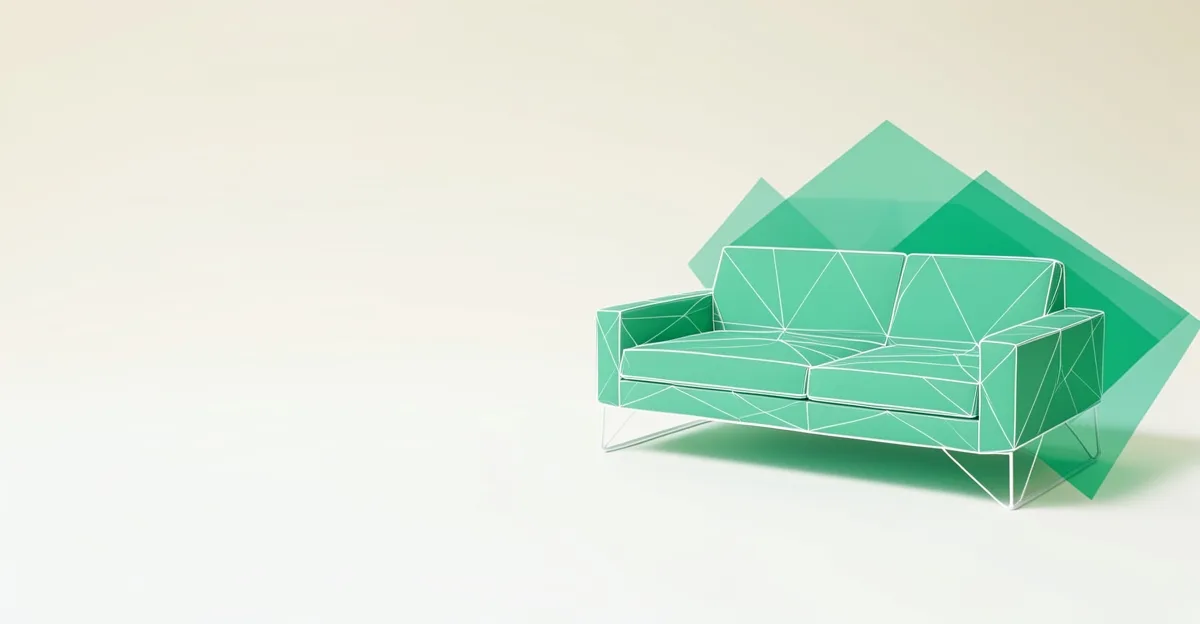
A furniture configurator lets a customer set the dimensions, choose a material and finish, pick a fabric or upholstery, arrange modular sections, and submit a quote request with their exact specification attached. You receive a structured order brief instead of a vague enquiry, and the customer has already made the decisions that usually take three emails to pin down.
What the buyer experience looks like
The customer opens your product page and sees a 3D model of the piece: a sofa, a table, a wardrobe, a shelving system. They adjust width and depth, switch the wood or metal finish, choose a fabric swatch, and add or remove modules. The model updates as they go. When they are happy, they click "Request a quote" and leave their contact details. You get the full configuration, and depending on your setup, a rendered image of the exact piece they built.
Furniture suits this well because the choices are visual and discrete: a fabric looks different from its name, and a customer who can see the combination commits to it faster than one reading a spec sheet.
What determines the options you can offer
The configurator shows whatever your 3D model and your production allow. Before going live, decide on:
- Dimensions: the width, depth, and height ranges your workshop can build
- Material: wood species, metal, board finishes, and which are valid for which part
- Upholstery: fabric and leather ranges, grouped by price band
- Modularity: which sections combine (corner units, extensions, add-on shelves)
- Finish and colour: stains, lacquers, powder-coat or RAL options
- Hardware: handles, legs, feet, and other swappable parts
You do not need every permutation on day one. A configurator covering your best-selling range will produce better leads than a sprawling tool that overwhelms the visitor with choices.
What you need to get started
You need a 3D model of the piece in GLB or glTF format. Many furniture makers already have one from their CAD or rendering work; if not, a CAD-to-GLB conversion is the first step. The platform handles the rest: embedding the model, the option logic, and the quote capture.
With CPQ3D, setup is a single script tag on your product page. You bring the model; the platform renders it, drives the option controls, and captures the quote request. The first 10 quote requests are free, with no subscription or demo call required. Pricing starts at €3.50 per request after that.
Common questions
Can I show real fabrics, not just colours? Yes. You can map fabric textures onto the model so a linen weave reads differently from a flat colour.
What if I sell made-to-measure? Sliders let the customer set exact dimensions within your limits, and the quote request carries those measurements to you.
Can I embed it on my existing shop page? Yes, one script tag is all it takes. The configurator renders inside whatever container you point it at.
If you want to see the quote-request flow in action: try the live demo.
See what a configurator like this costs, and try one in your browser.